
Colleton County Court Dockets Defined
A court docket is a working record of case events. In Colleton County, a docket can refer to a roster of upcoming hearings or to the action list inside a case record. A roster helps identify when and where matters are set. A case docket helps show what has been filed, ruled on, paid, continued, disposed, or scheduled. These are not the same as a complete case file, because the full file may include pleadings, warrants, tickets, bonds, sentence sheets, orders, and documents that require Clerk review or a certified-copy request.
South Carolina court structure matters when reading Colleton County dockets. Circuit Court is the court of general jurisdiction and has Common Pleas for civil cases and General Sessions for criminal cases. Family Court covers domestic and juvenile matters. Probate Court is separate. Magistrate Court and Municipal Court handle summary criminal, traffic, bond, preliminary-hearing, ordinance, and small civil matters within their jurisdiction. Each level can have its own schedule source and its own limits on online display.
The Colleton Clerk of Court publishes the official link to Colleton court rosters from the county Clerk page, while the Judicial Branch direct roster endpoint is Colleton Court Rosters. If a roster page fails, use the Public Index and court office contacts as the fallback path.
Find Colleton County Court Dockets Online
The first docket channel is the official roster link. The second channel is the Colleton County Public Index, where a case detail page can show docket actions and related financial entries. The third channel is the court office that schedules the matter. That fallback is important because online rosters can be blocked by browser settings, changed by continuance, or incomplete for confidential, sealed, or very recent entries.
- Open the Colleton County court roster page and check for the court, date, or roster category that matches the case.
- If the roster does not load or the case is not listed, open the Public Index and search by case number or party name.
- Use court type, agency, case type, action type, and date fields to narrow the result set.
- Open the case number and review the action or docket entries shown in the case detail view.
- Contact the scheduling court before relying on a hearing date, especially after a continuance, bond hearing, or same-week filing.
The county's department-format Clerk of Court listing is a concise source for Clerk contact details when a Circuit Court docket cannot be confirmed online.
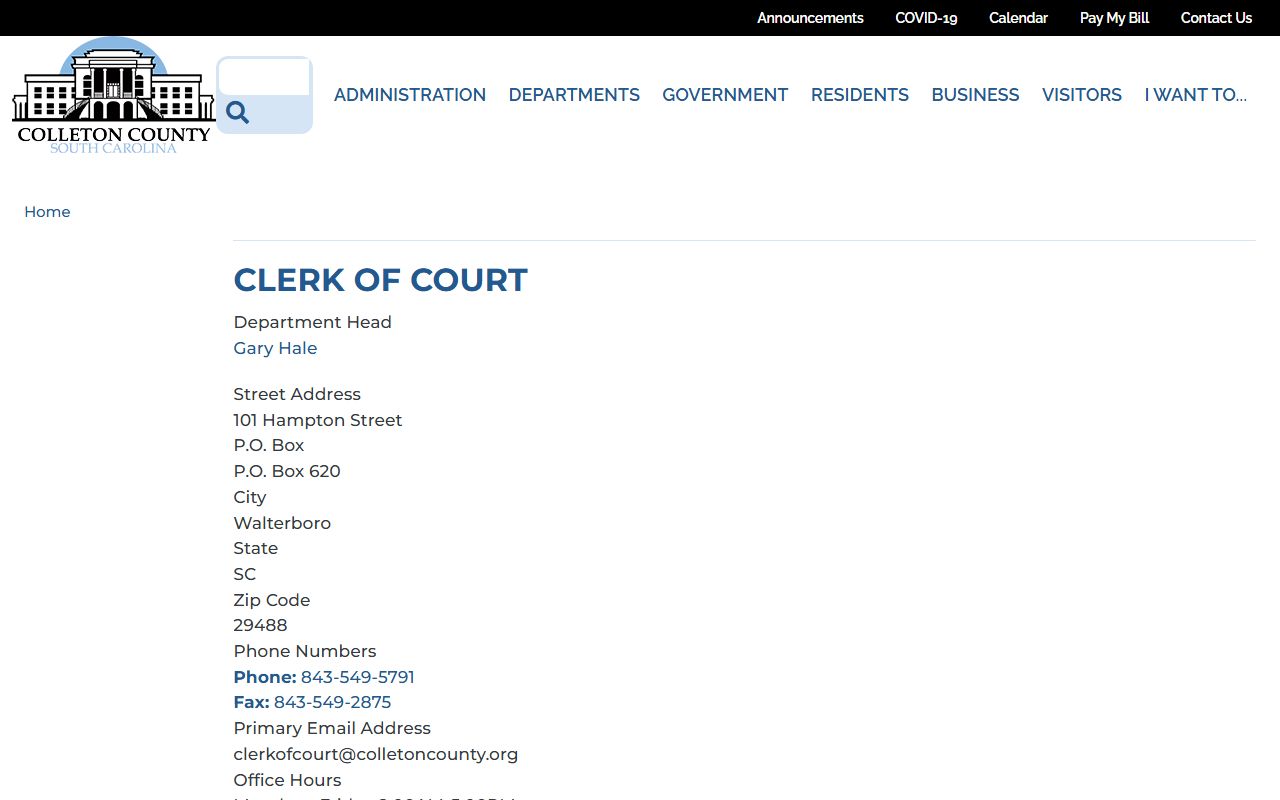
The Clerk channel is the practical fallback for Common Pleas, General Sessions, and public Family Court docket questions.
Colleton County Docket Entry Fields
The research did not capture a live Colleton sample roster row because the roster endpoint returned access errors in command-line inspection. The Public Index guide does identify the case-level fields that are used to find and read docket activity. Treat docket entries as a case-action inventory unless a court roster gives a separate hearing list.
| Field | What It Shows |
|---|---|
| Case Number | The case identifier used to open the docket or case action history. |
| Action Type | The filing or event category, such as a motion, judgment, foreclosure action, or other docket action. |
| Date Type / Date Range | The time filter used to find filed, disposed, judgment, or other dated events. |
| Court Type / Agency | The court or office tied to the case, when available as a filter. |
| Party / Party Type | The party name and role, such as plaintiff, defendant, petitioner, or respondent. |
| Financial Entries | Fines, fees, payments, or judgment costs that may appear in enabled tabs. |
| Document Icon | A link to an image or document if the county and case make that item public online. |
| Switch View | A display option that can put all case details on one screen. |
Note: A docket entry shows that an event exists, but it may not provide the full document text or certified court copy.
Colleton County Courts With Dockets
The South Carolina Judicial Branch Colleton County directory lists Colleton County in Judicial Circuit 14 and identifies court contacts for Circuit, Family, Magistrate, Bond, Municipal, and Probate matters. The docket source depends on the court. Circuit Court rosters and Public Index entries are the main starting points for Common Pleas and General Sessions. Magistrate and Bond Court matters can require the Padgett Building contact. Municipal cases require the city or town court when the statewide system does not show the case.
- Circuit Court: Common Pleas civil and General Sessions criminal rosters and case actions route through the Public Index and Clerk of Court.
- Family Court: Public entries may be limited because divorce, custody, juvenile, adoption, and support records can involve restricted details.
- Magistrate and Bond Court: Colleton's centralized Magistrate and traffic court location is the fallback for summary-criminal and traffic docket checks.
- Municipal Court: Walterboro, Cottageville, and Edisto Beach dockets may require the municipal court when statewide records are incomplete.
- Probate Court: Probate docket and filing questions are separate from the trial-court Public Index.
The county's Magistrate department listing is the official department-format source for magistrate contact details.
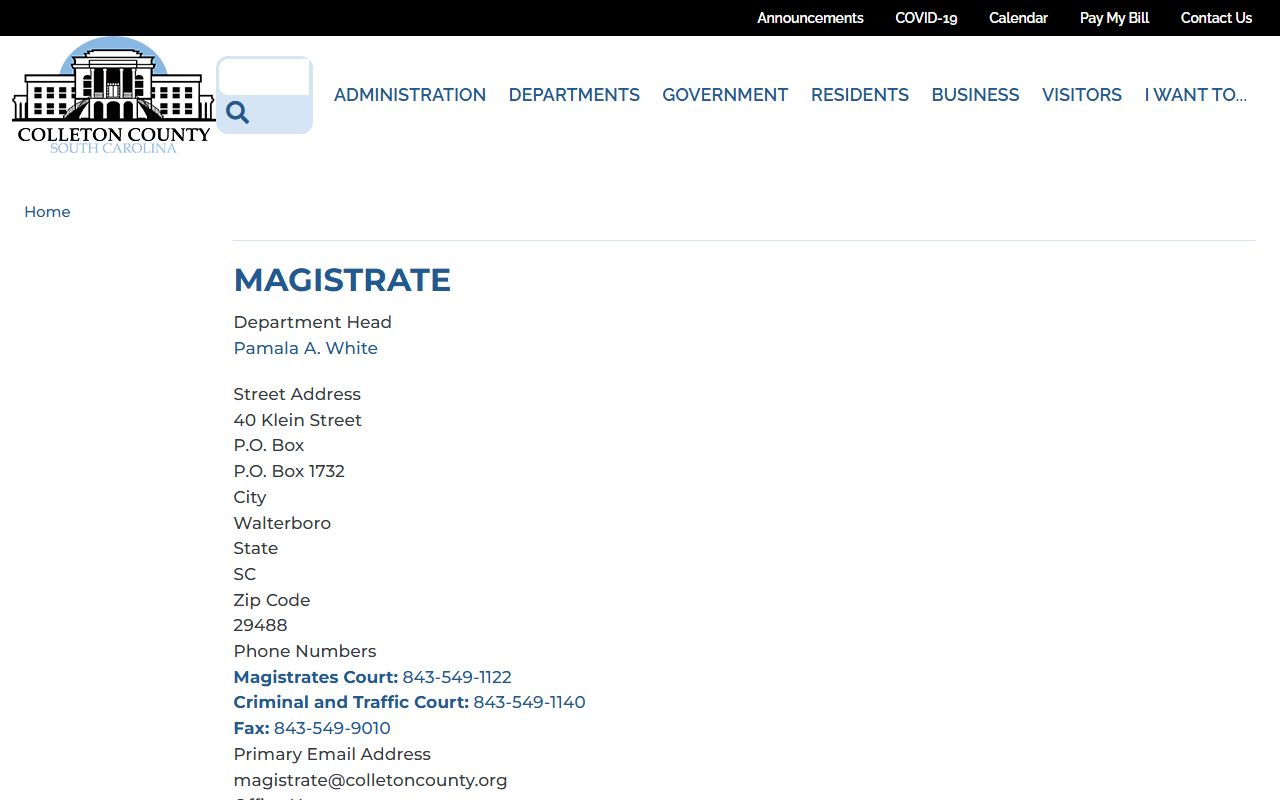
Use Magistrate Court contact when a summary court date, bond matter, traffic setting, or preliminary hearing is not clear online.
Colleton County Dockets vs Case Records
A docket is best for tracking movement. A full case record is better for understanding substance. For example, a docket action might say a motion was filed, but the full case record may hold the motion text. A roster might say a case is set for a hearing, while the full case record may hold the pleadings, prior orders, bonds, sentence sheets, or judgment entries that explain why the hearing is set.
| Point | Docket or Roster | Full Case Record |
|---|---|---|
| Main use | Track dates, events, and case movement. | Review filings, orders, pleadings, and final records. |
| Format | List of hearings or chronological actions. | Index plus documents or office-held file material. |
| Online access | Often starts with rosters or Public Index actions. | May require document icons, Clerk contact, or certified-copy request. |
| Best for | Checking whether a hearing or action exists. | Confirming legal content, disposition, sentence, or judgment. |
| Limitations | Can change quickly and may omit confidential settings. | May be restricted, sealed, non-online, or subject to copy procedures. |
Colleton County Municipal Court Dockets
Municipal courts are important for Colleton County docket checks because ordinance and traffic cases may begin inside a city or town rather than in Circuit Court. Walterboro Municipal Court is listed in the SC Courts traffic-ticket help material as available on the statewide Trial Court Case Management/Public Index system as of June 4, 2026. Even so, municipal court participation can vary by court and record type, so local court contact remains important.
Walterboro Municipal Court handles matters inside Walterboro. Edisto Beach Municipal Court handles municipal cases arising in Edisto Beach. Cottageville Municipal Court handles municipal matters in Cottageville. Municipal courts do not have civil jurisdiction, but they do handle municipal ordinance and qualifying criminal or traffic cases within statutory penalty limits.
The Walterboro Municipal Court page is one local docket fallback for Colleton County municipal matters.
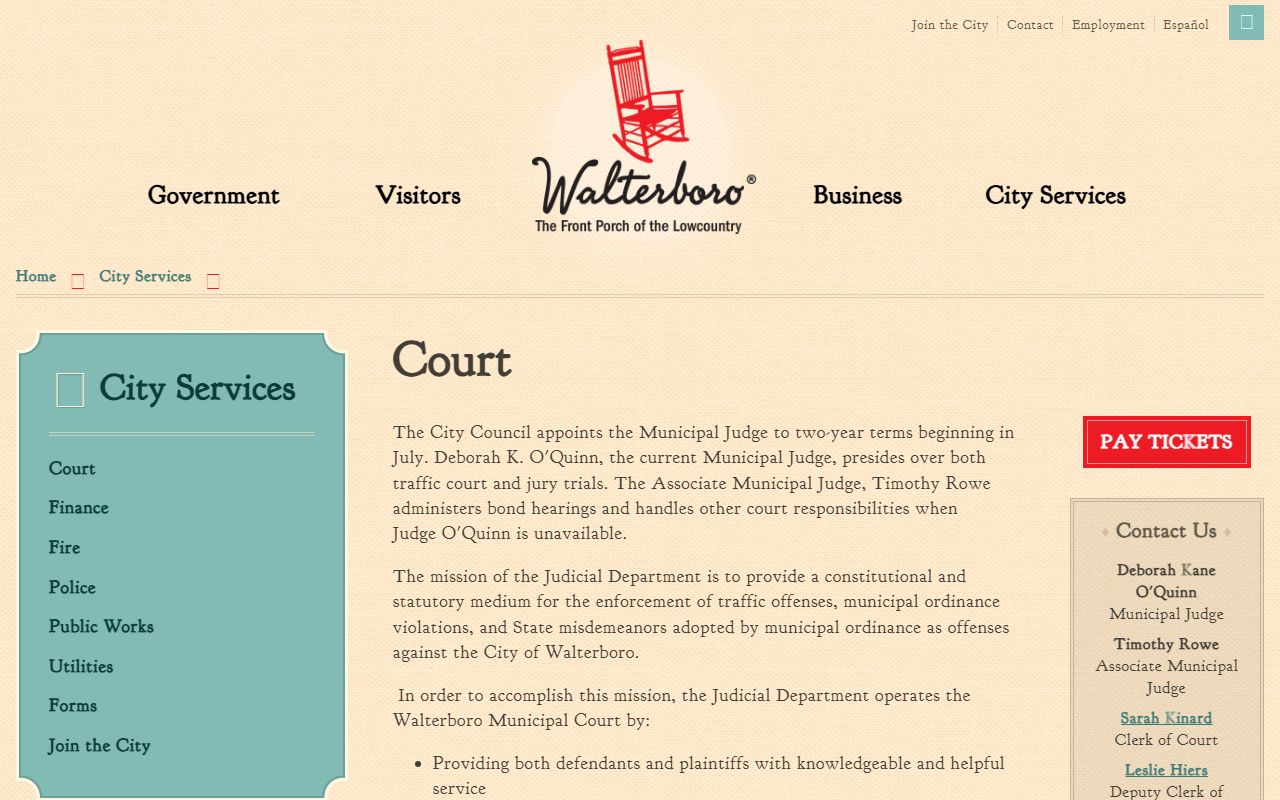
Check Walterboro directly when a municipal case does not appear under the county court roster or Public Index search.
The Edisto Beach Municipal Court page provides the official local channel for Edisto Beach court matters.
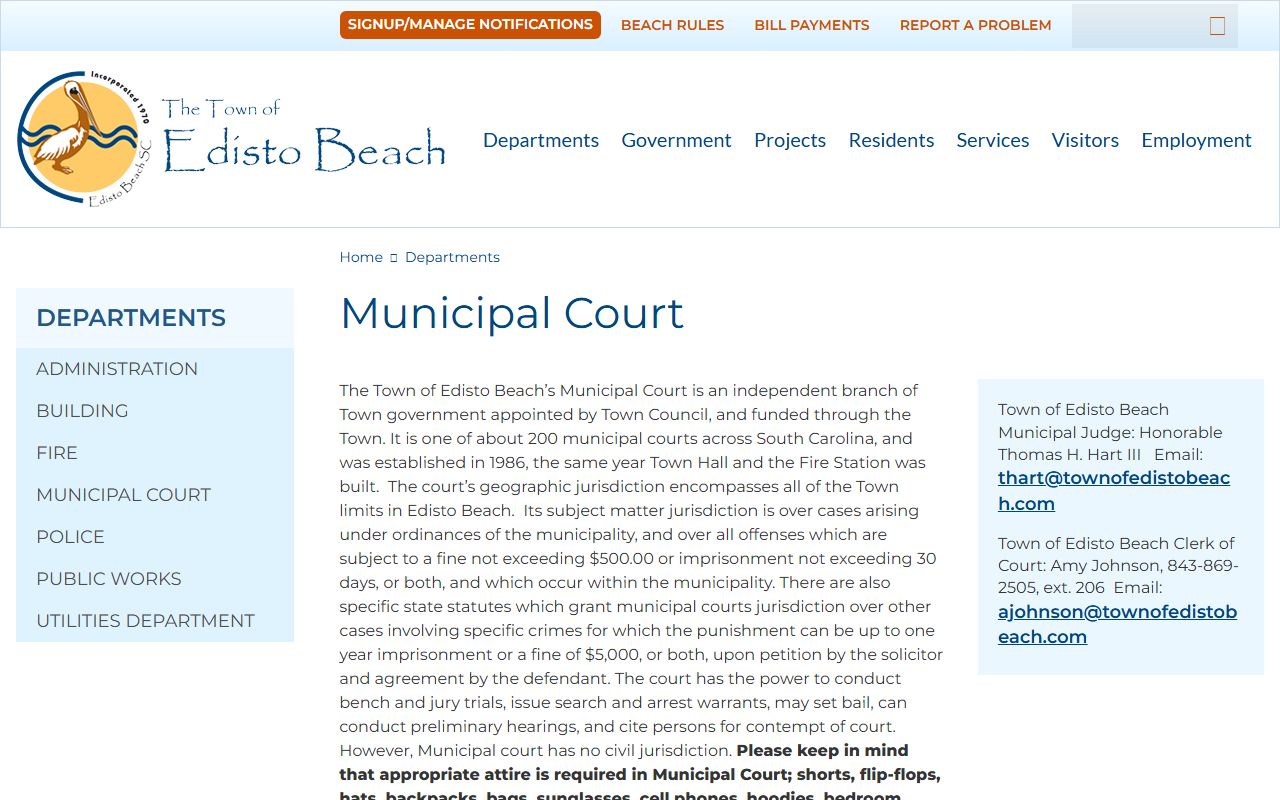
Municipal court confirmation is especially useful before travel because small-court schedules can change outside the statewide index.
Read Colleton County Court Dockets
Start with the court and case type. A General Sessions docket should be read as a criminal case record, with entries that may include indictments, bonds, pleas, motions, disposition, and sentence sheets. A Common Pleas docket is a civil case timeline, with entries such as complaints, answers, motions, judgments, lis pendens items, and rosters. A Magistrate or Municipal docket may be shorter and may focus on hearings, traffic citations, ordinance matters, bond, preliminary hearings, or small claims.
Several terms appear often. A docket is the chronological list of actions. A disposition is the current or final outcome. A motion is a request for the court to act. A judgment is an enforceable court decision. A continuance means a setting moved. A bond entry concerns release terms in a criminal matter. An action type is a search or docket category used to locate a specific event.
Note: Confirm same-day Colleton County docket information with the court because online rosters may lag recent filings or court orders.